

backups folder, keeping the last 24 hourly and 14 daily backups. Everything below is in Settings → Backup and needs the System Settings permission.
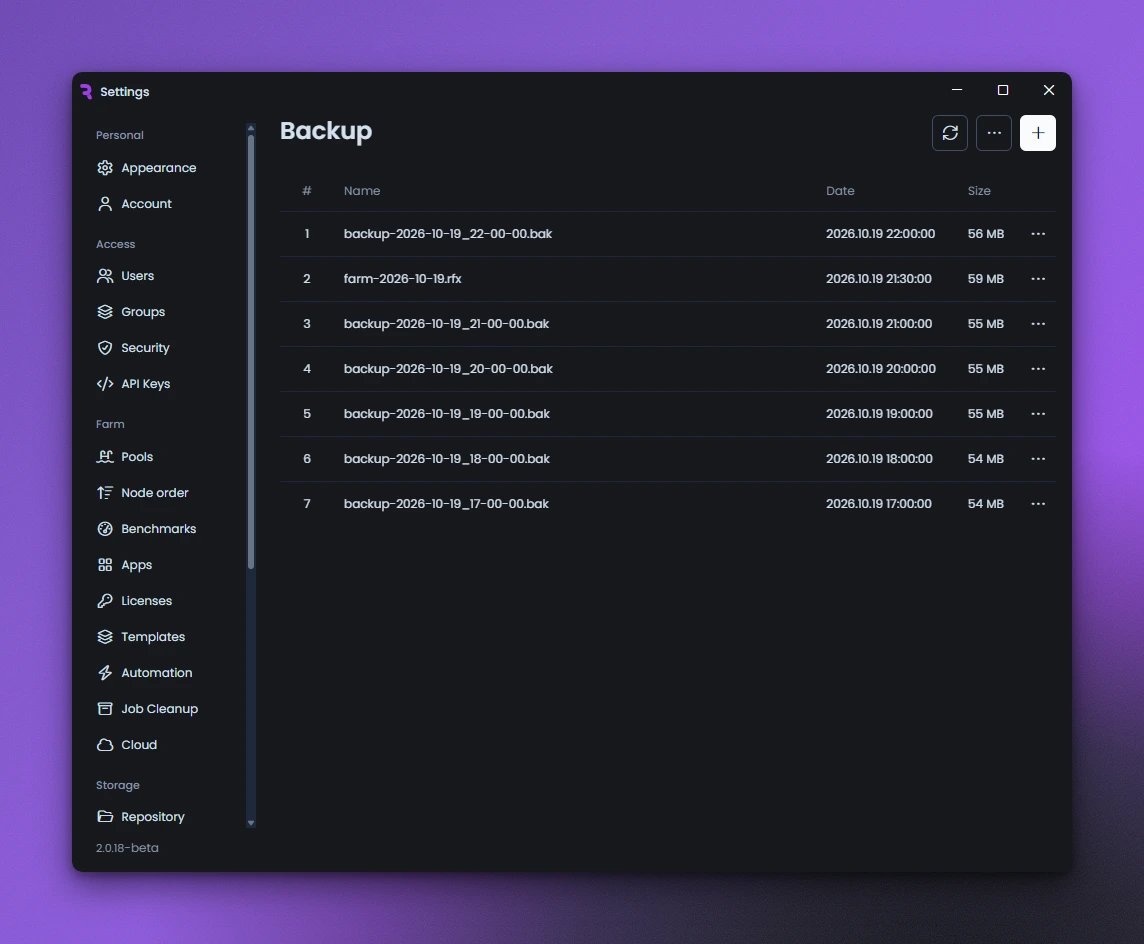
Settings → Backup
Restore a backup
Open the backup’s … menu, choose Restore and confirm. The farm’s jobs, users and settings are replaced with the backup’s; the machines stay, so none has to join again. Running jobs come back suspended and maintenance mode stays on until you turn it off in Settings → Server. To restore a file from elsewhere, a backup (.bak) or a farm export (.rfx), use More → Restore from file.
Export the farm
More → Export farm saves the database, settings and secrets into one.rfx file, protected by a password of at least 8 characters. A new server needs the file and the password.
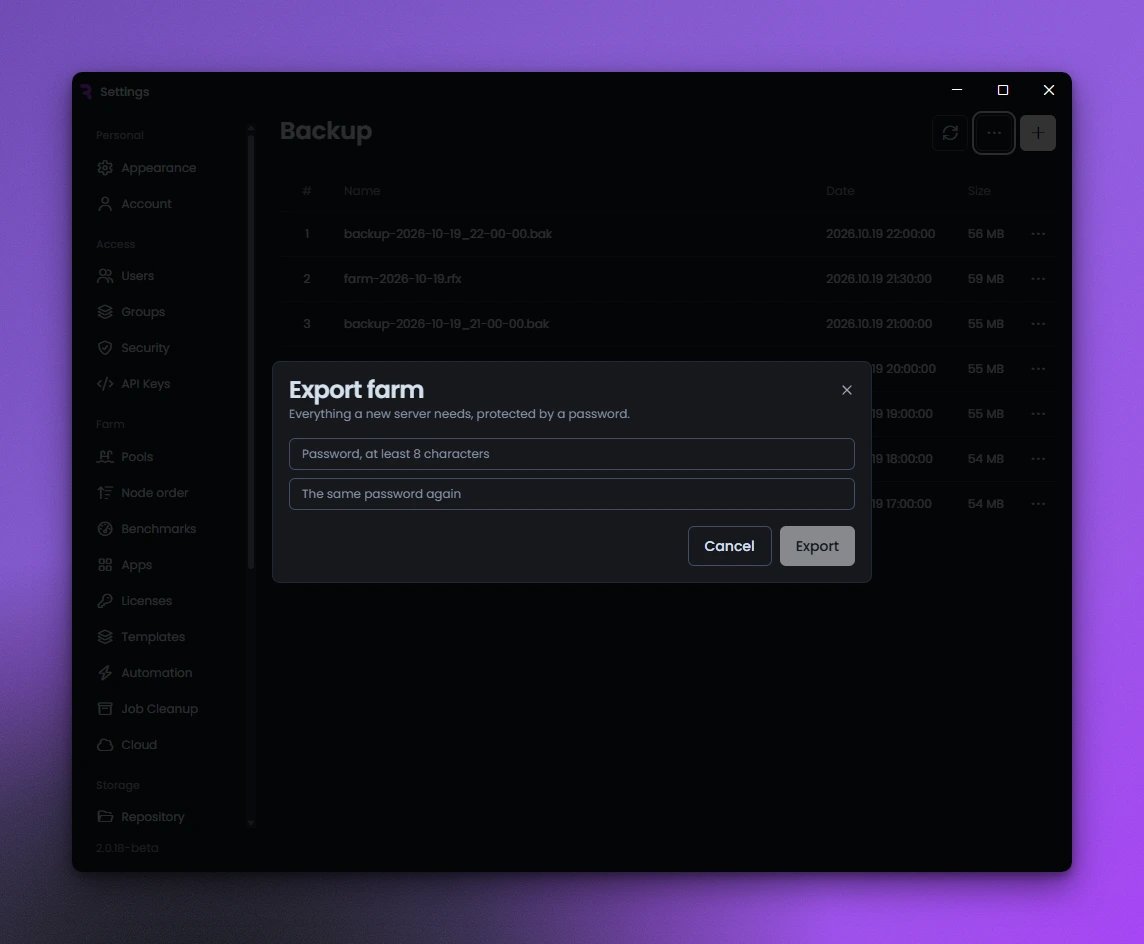
Exporting the farm
Move to a new server
- Export the farm on the old server.
- Install RenderFlow on the new machine as a Server, in the same version and with the same repository.
- On the new server, restore the export with More → Restore from file.
- On the old server, choose More → Move machines and enter the new server’s address.
- When the machines appear on the new server, turn maintenance mode off there.
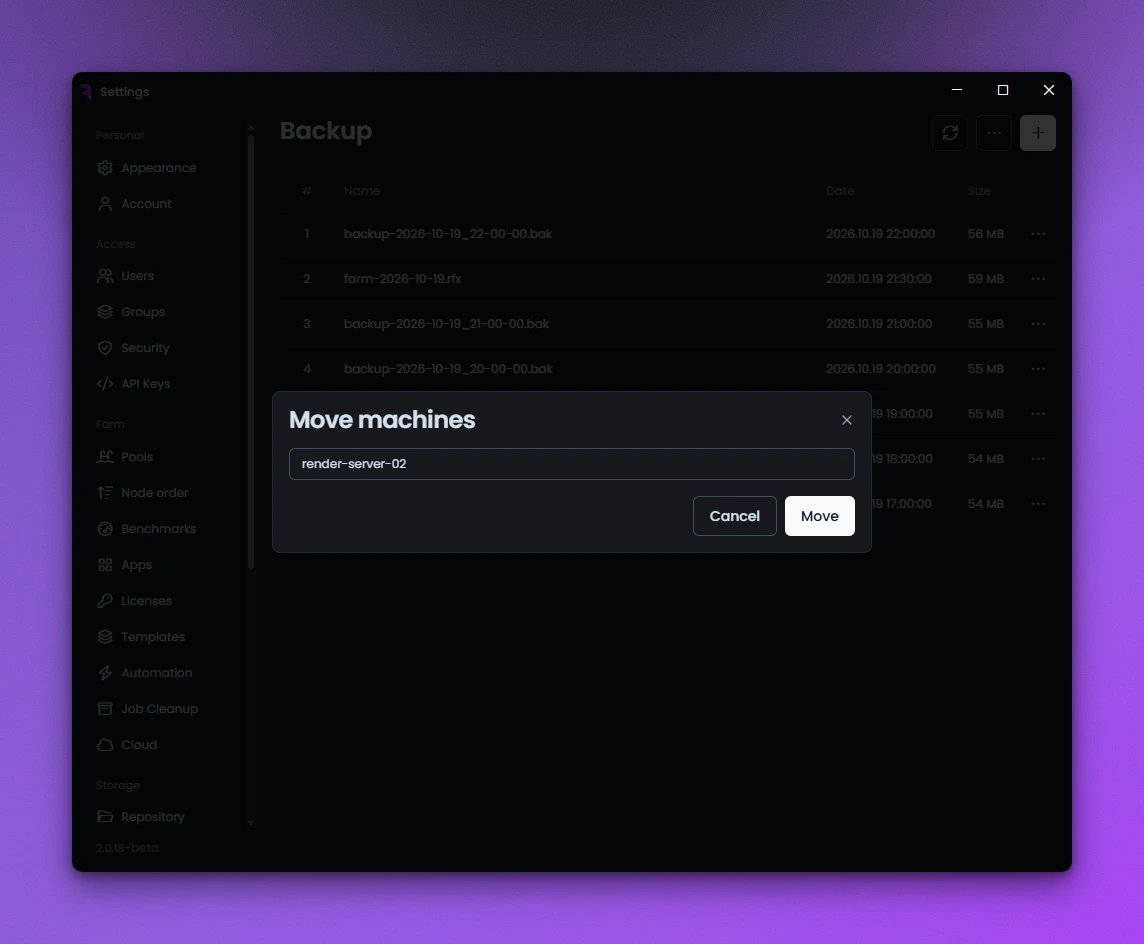
Sending the machines to the new server