

updates folder.
Add a version
Download the installers from the Pulze account page, one for each platform your farm runs. In Settings → Deploy, press +, pick the installers and press Add. The version appears on one row with an icon for each platform, and the one the farm runs is marked Running.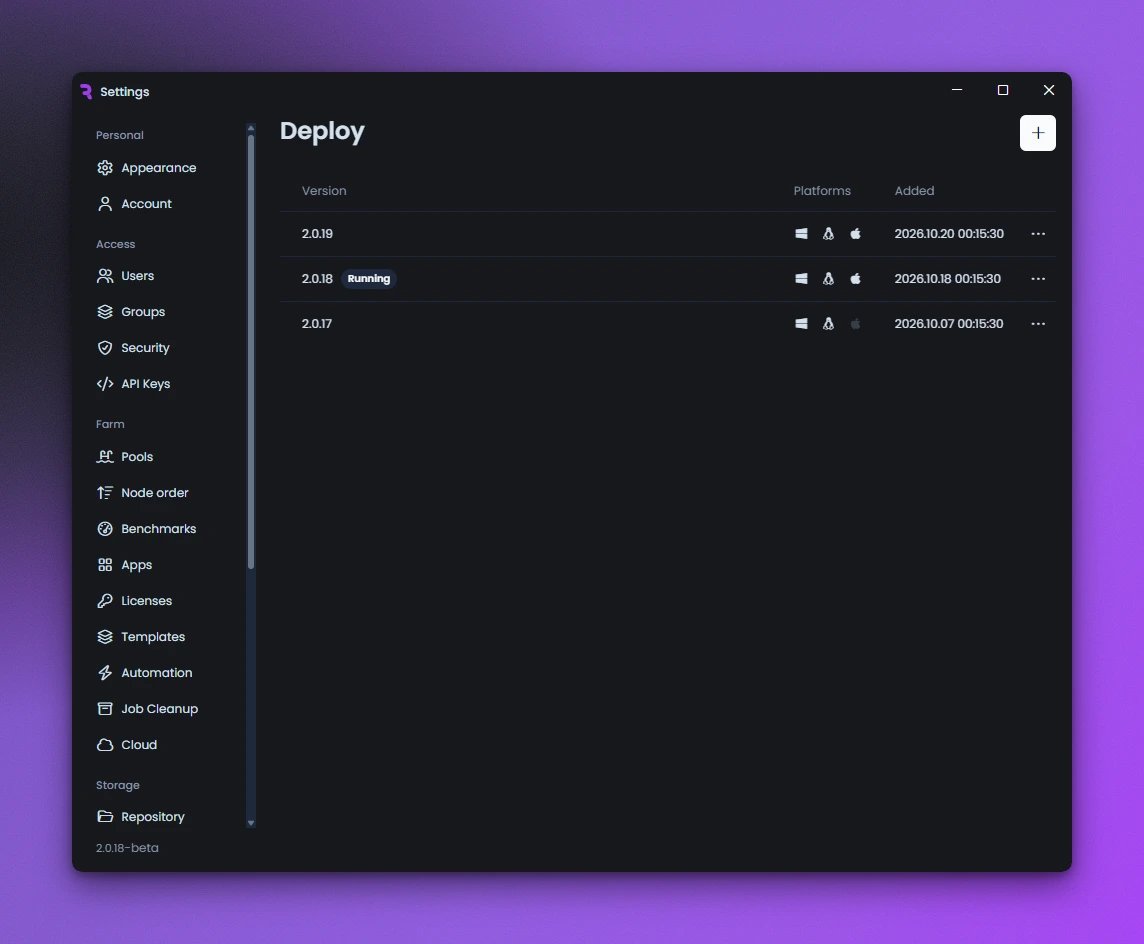
Settings → Deploy with three versions
Deploy it
Open the version’s … menu, choose Deploy and confirm. The server installs the version and restarts on it, and each machine installs it after finishing what it is rendering.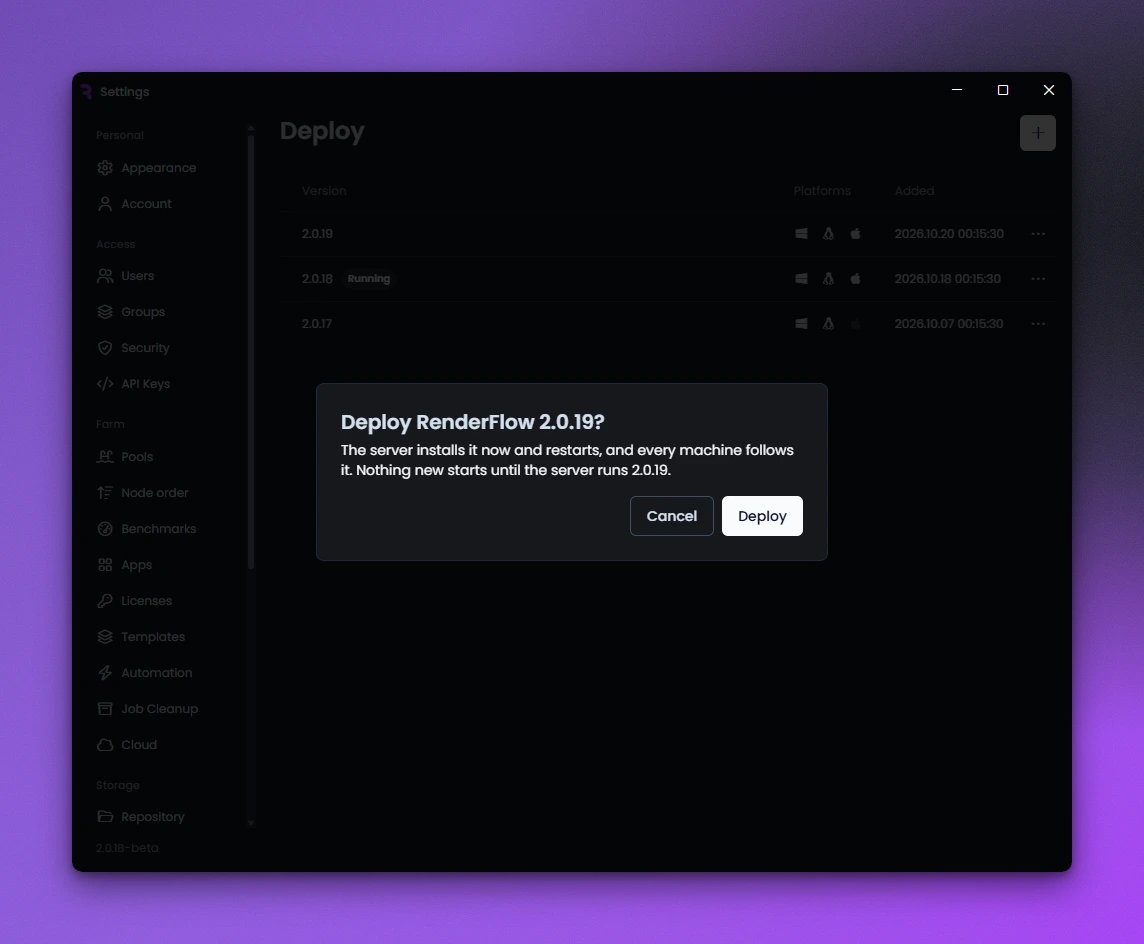
Deploying a version
- A version can only be deployed while no machine is rendering.
- It needs an installer for every operating system your machines run.
- To go back, deploy the earlier version the same way.
Machines that don’t update by themselves
A machine updates by itself when RenderFlow runs on it as a service with administrator rights. On Windows the update waits while a 3D application is open. Any other machine shows The farm moved to RenderFlow with an Install button; on Linux and macOS,sudo rfsv update installs it from the server.