

Prerequisites
- Scene Manager requires a constant internet connection.
Supported software
- 3ds Max 2019 - 2027
- V-Ray 7, Corona, FStorm, Arnold, Redshift
All other 3rd party and built-in render engines for 3ds Max will also work with limited functionality.
Installation
Please close all running 3ds Max instances. Run the downloaded exe and follow the installer’s instructions.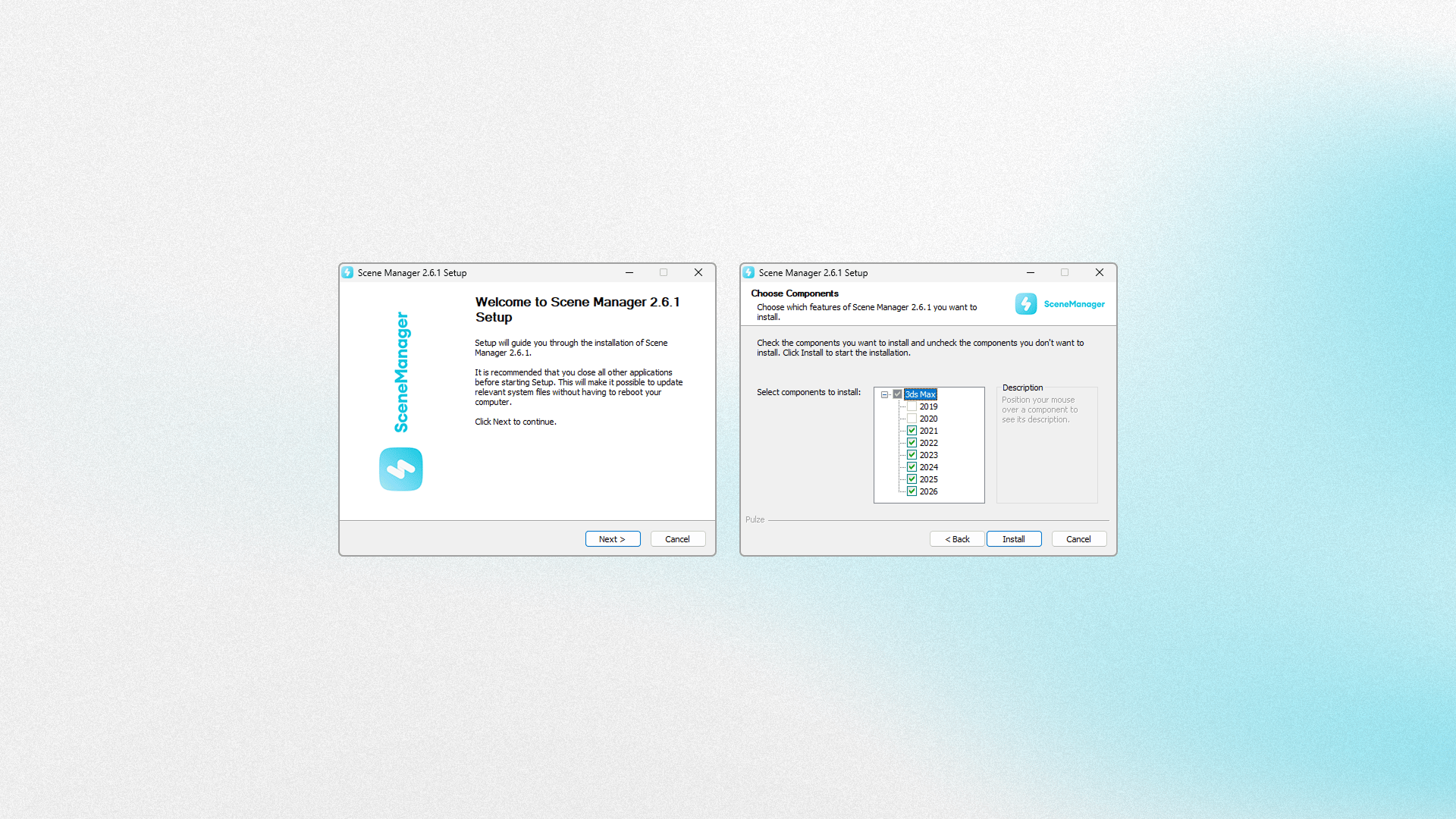
Scene Manager installer wizard
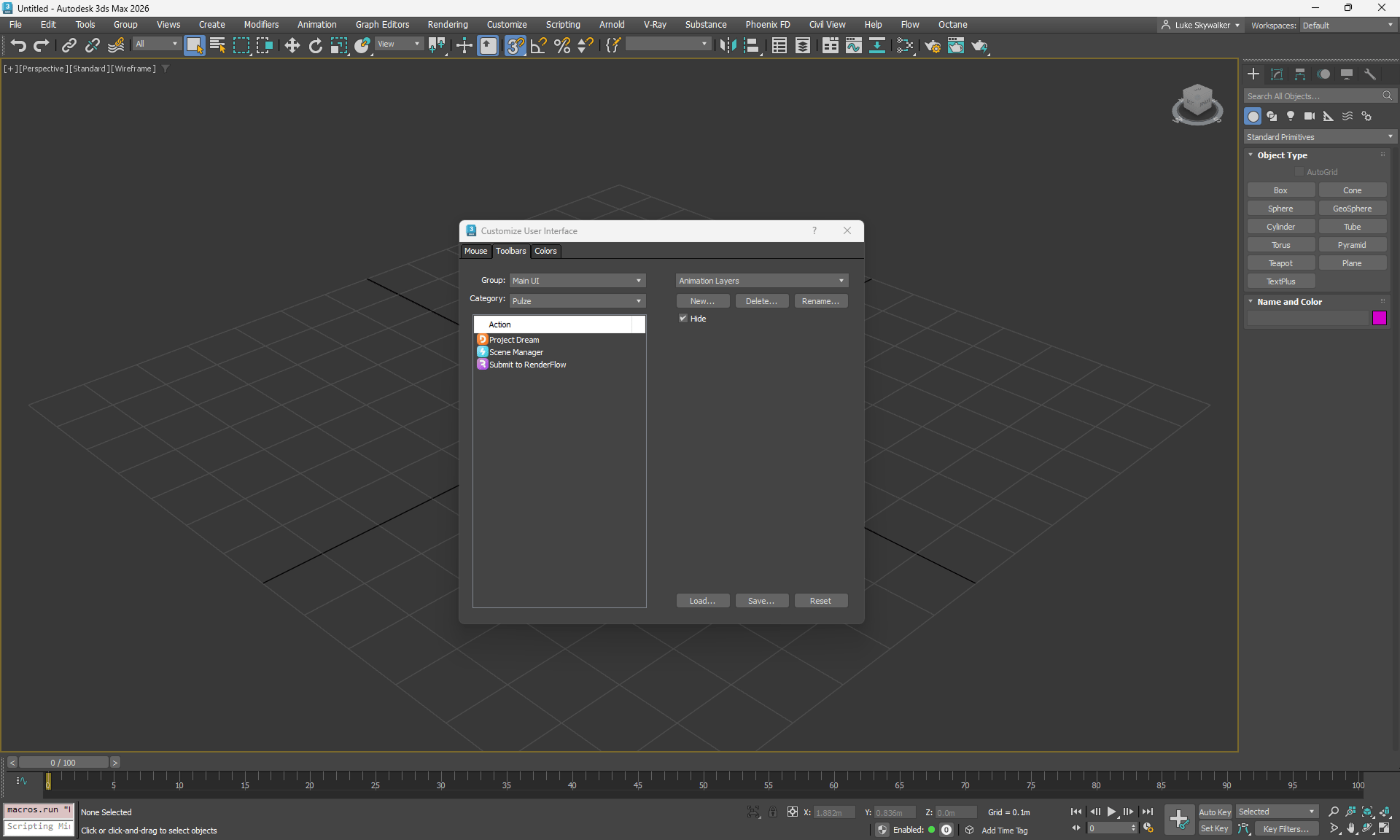
Adding Scene Manager to the 3ds Max toolbar via Customize User Interface
--silent parameter. This option will install Scene Manager for all versions of 3ds Max that are available on the computer.
Once you open Scene Manager, you’ll see the full interface with all its modules:
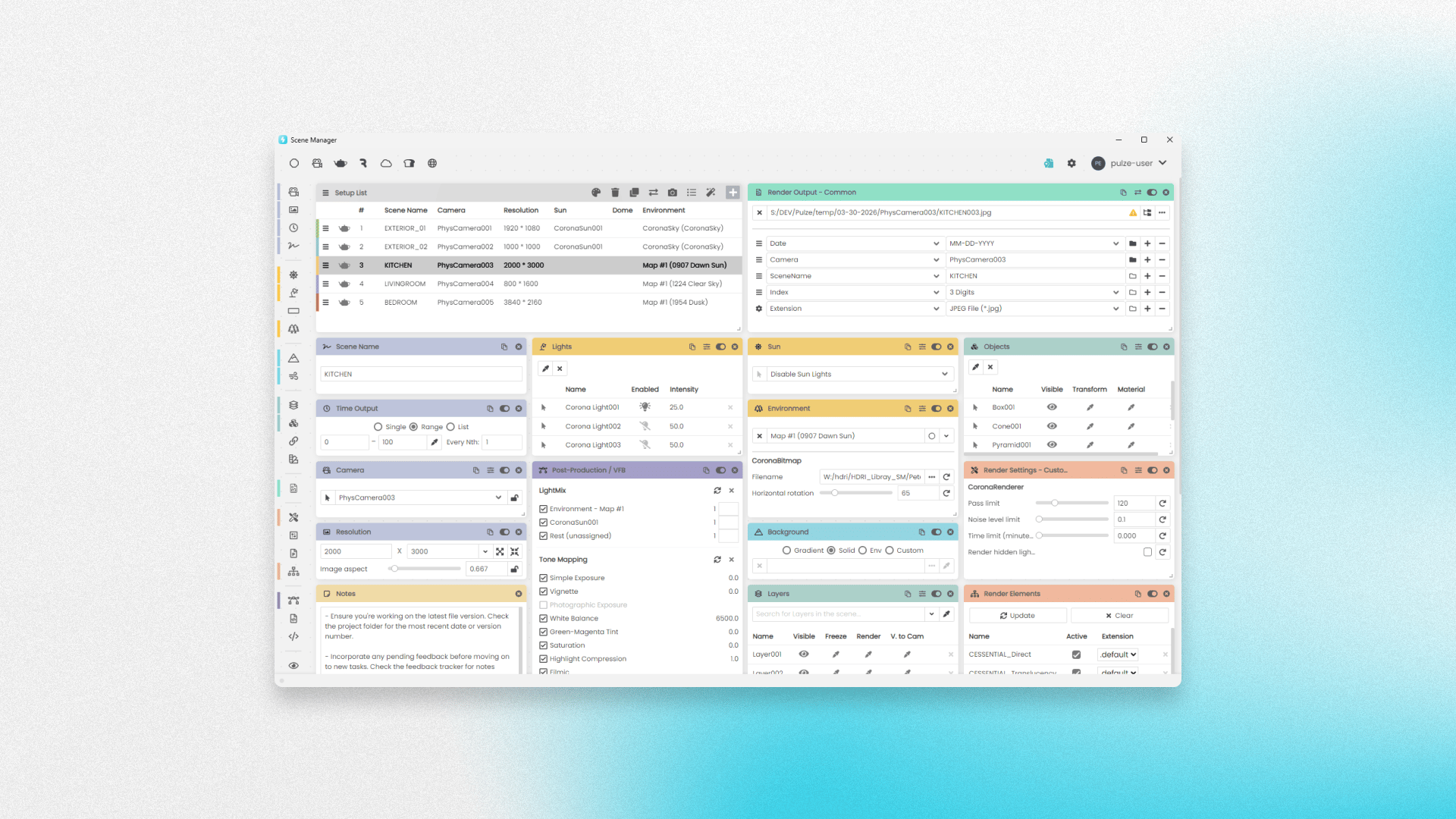
Scene Manager interface with all modules