

Layers
For each setup you can add multiple layers from your scene and control their visibility. There are multiple ways to add your layers: you can search or select them from the dropdown, or by selecting the layers in max you can load them in by pressing the fetch button.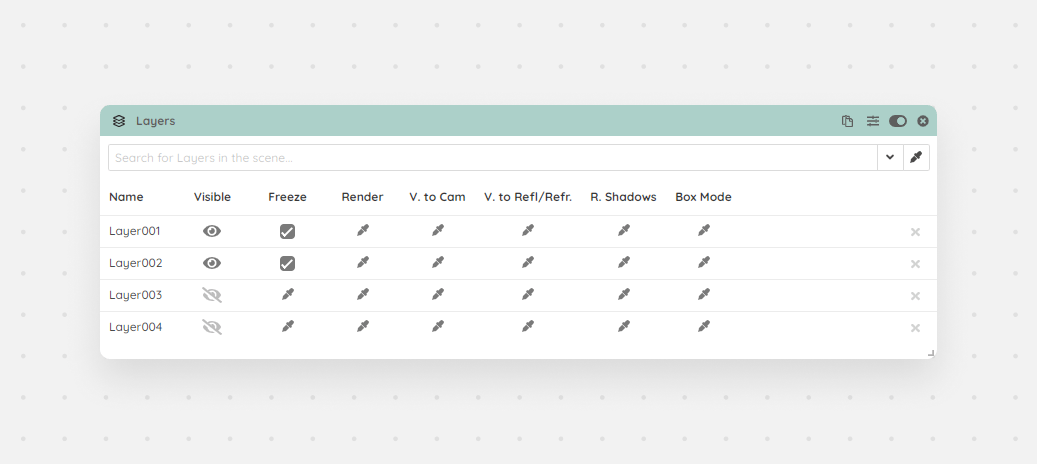
Layers module controlling visibility, freeze, render, and visibility per layer
Objects
With the Objects module you can add your selected geometry from max and control the visibility per setup. It’s an alternative to the Layers module that does almost the same, but there are cases when the usage of this is much easier.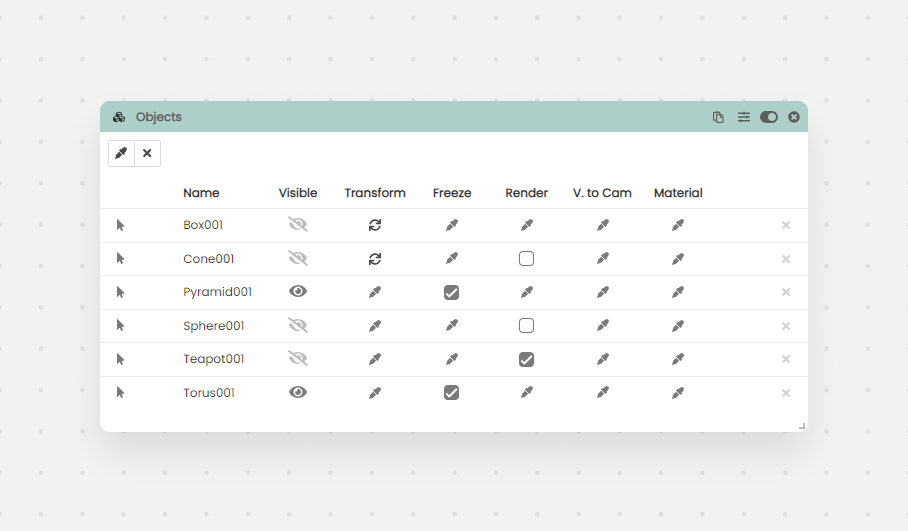
Objects module with per-object visibility, transform, and material controls
Xref Scene
The Xref Scene module will let you select files that are loaded into your scene. You can enable/disable and set the visibility of these files per setup.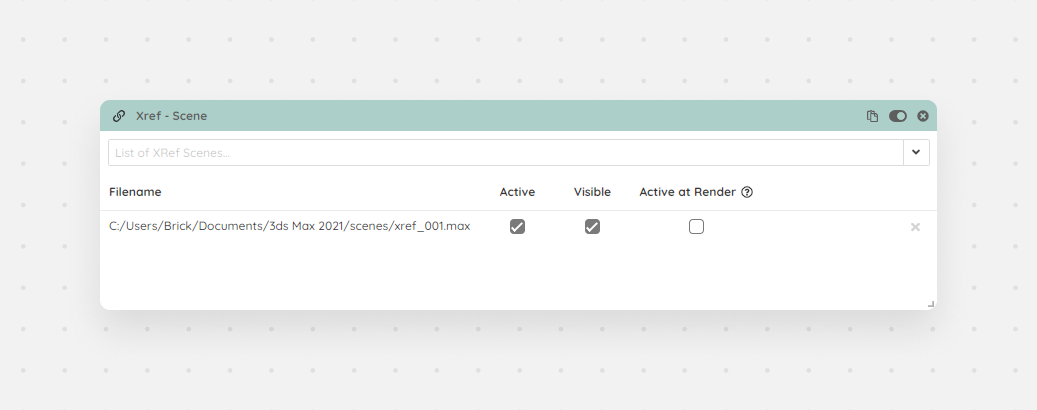
Xref Scene module enabling and disabling external references per setup
Variants
You can define a list of layers where each item will represent a version of a product. This way you can easily create and render hundreds of variations within one state. Perfect solution if you are doing product renderings.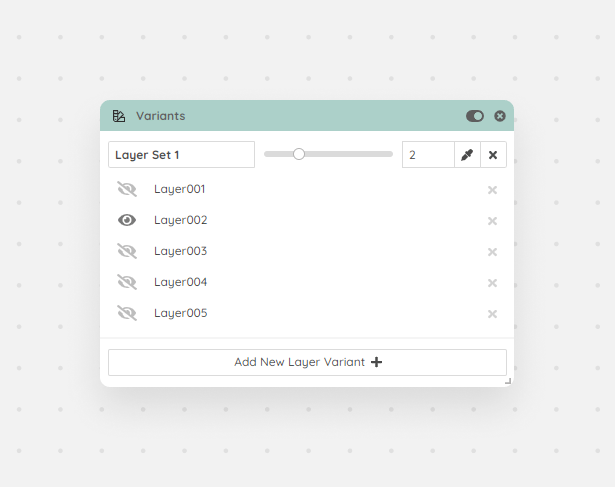
Variants module with a list of product variations defined by layers