

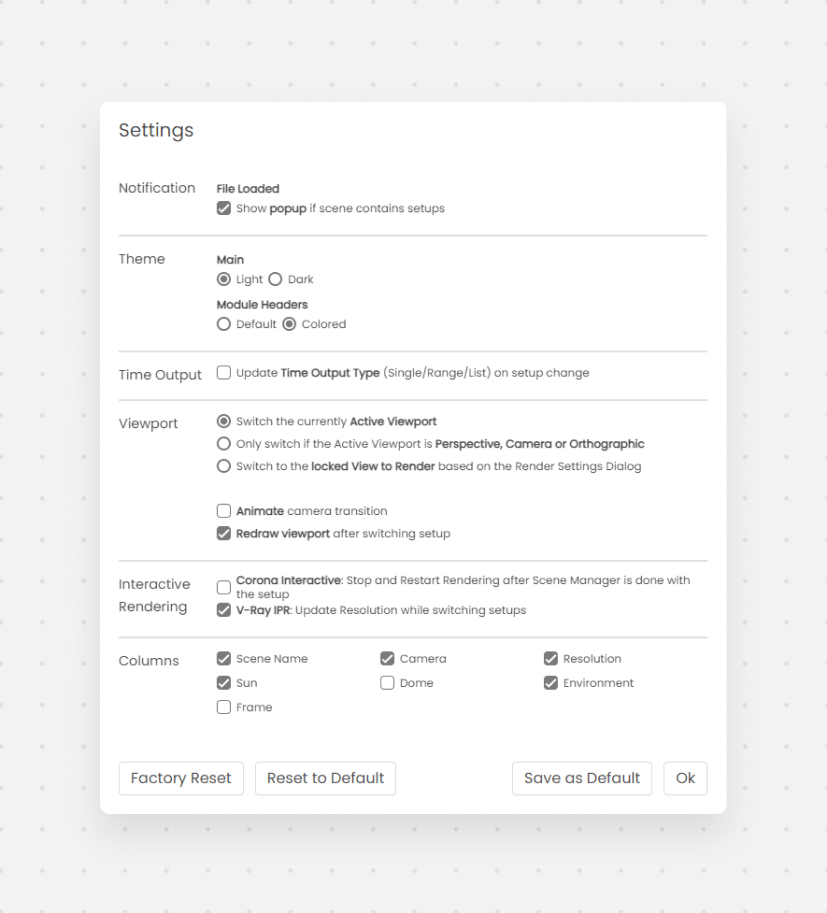
Preferences panel with notifications, theme, viewport, and column options
Notifications
If enabled, a message box will appear during file load if the scene contains Scene Manager settings.Theme
Choose between the Light and the Dark theme.Viewport
You can choose between 3 different viewport switch options. These viewport settings will only affect the viewport background; the rest of the modules (Lighting, Environment, etc.) will be applied regardless.- Active Viewport - By default Scene Manager will switch the currently active viewport
- Only Active Perspective, Camera, Orthographic - Will just switch these types of viewports
- View to Render - Will switch to the locked viewport that is set in the Render Setup Dialog and then back to the previous viewport where you are working in