

Creating and activating setups
To create an empty setup, press the + button at the top right corner. Once you click on a setup it becomes activated, and Scene Manager applies all of its stored settings to your scene.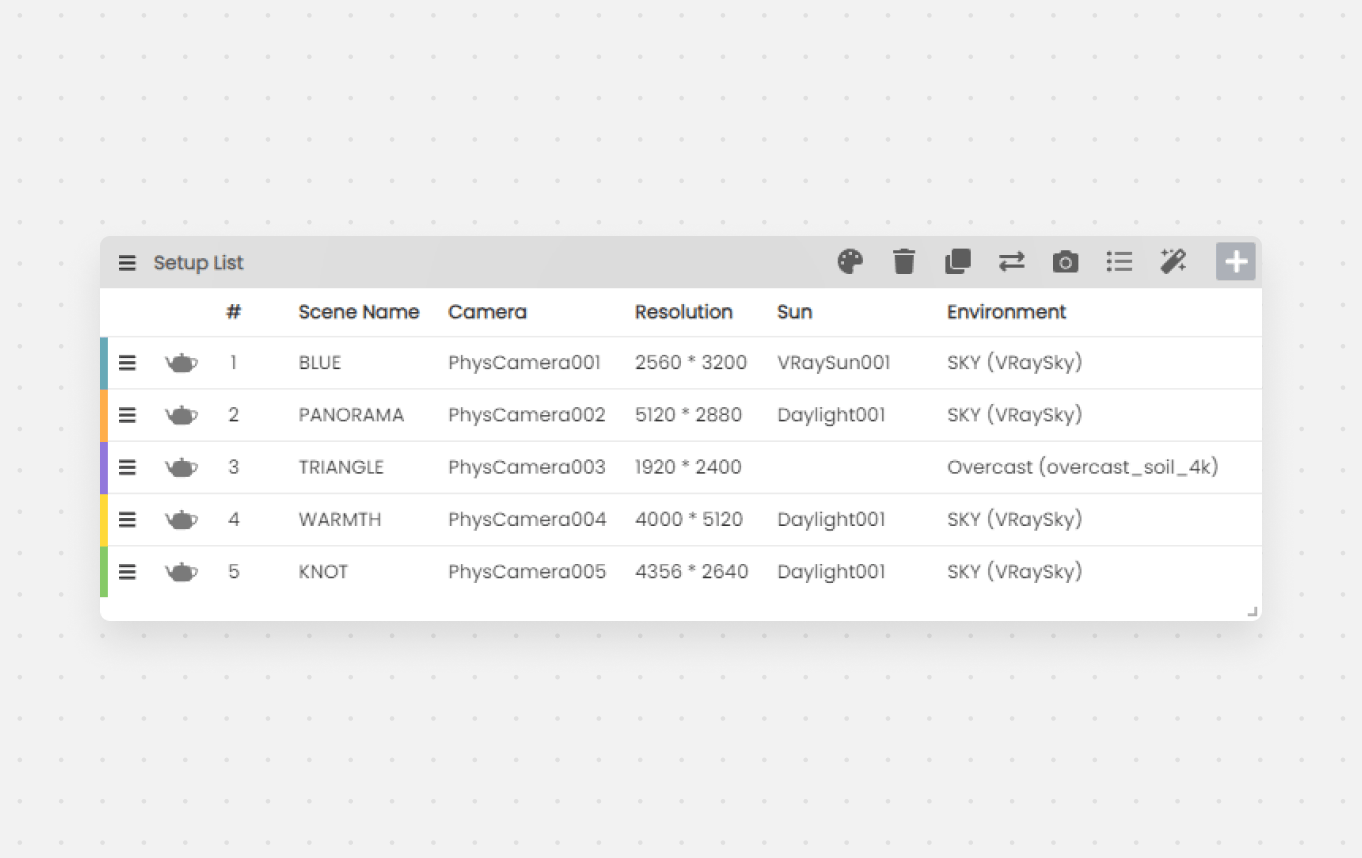
Setup List with multiple setups showing camera, resolution, and environment columns
Scene Name
After a certain complexity PhysCamera001, PhysCamera002 doesn’t mean a lot - with the Scene Name module you can add a more defined name for your scene setup.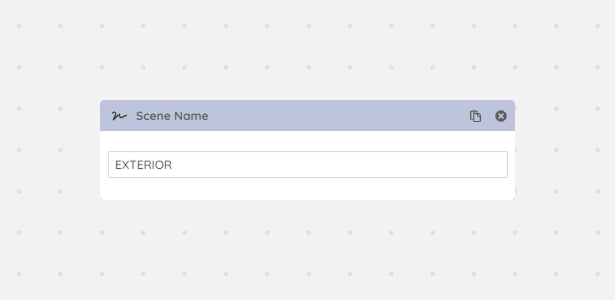
Scene Name module with a descriptive label assigned to a setup