

rfsv config, which layers them over whatever the machine already holds, so any flag you leave out keeps its current value rather than being reset.
Installing and configuring a machine does not start it. A workstation is started by the desktop app at user login, while an unattended machine needs the service registered under an account that can reach your storage.
--service does that during the install, and on Windows --service-account does it under an account of your choice. To write the service yourself, and for the details, see Run as a Service.Installer flags
The same flags work on every platform.--help prints this list and exits.
On Windows the installer exits with error level 1 when a flag is refused, 2 when a running application such as 3ds Max blocks it, and 3 when it installed but could not register the service. It prints the reason in each case.
The uninstaller takes one flag of its own: --purge (/PURGE on Windows) also removes the database, the configuration and the logs. Without it, reinstalling finds the farm as it was.
Examples
- Windows
- Linux and macOS
A server with a shared folder:A render node, placed straight into a named pool:A render node that runs as a service under a domain account, from a Command Prompt or a deployment tool:See Run as a Service for the PowerShell form.A node behind a proxy:A server behind a proxy that inspects HTTPS, with the company’s CA certificate. See Behind a proxy for the error this fixes:
A silent install without
--accept-eula still installs and applies its flags. A server then starts only after the agreement is accepted, in the app or with rfsv eula --accept. Nodes and workstations do not need it.Configure a machine after installing
rfsv config applies the same answers to a machine that is already installed:
The installer’s
--server reaches rfsv config as --ip; both set the same value. Add --json for machine-readable output. Note that rfsv config refuses to run while the service is running, so stop the service first.
Signing in a headless server
A server has to sign in to Pulze once, andrfsv config handles that over SSH:
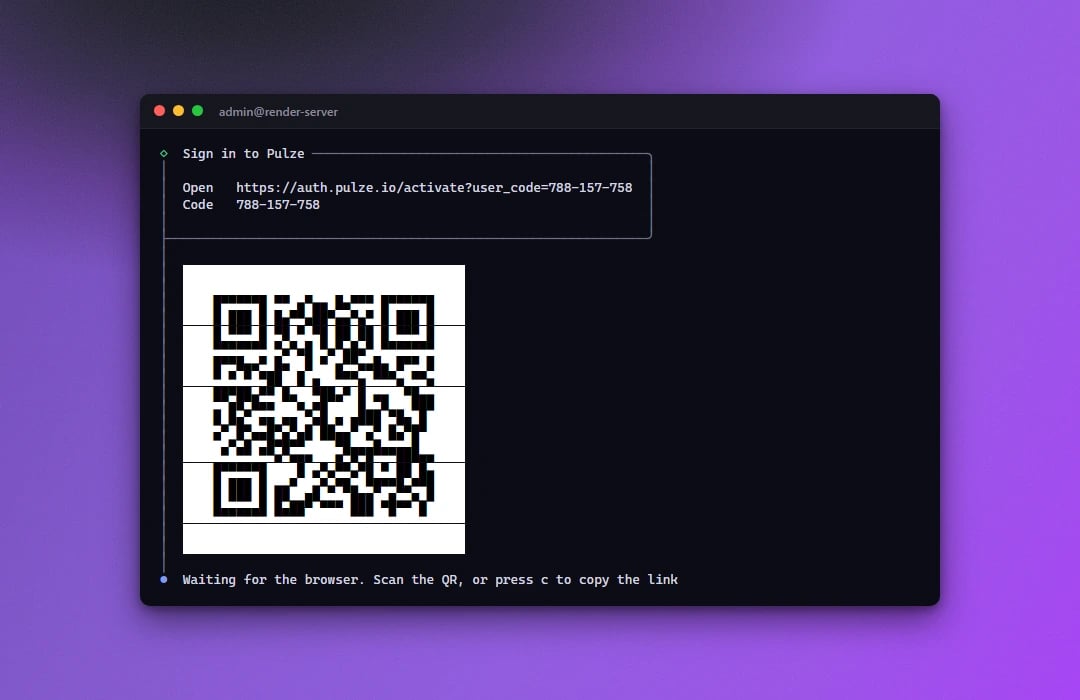
The sign-in step of rfsv config
Accepting the licence agreement
A headless server cannot ask, so accept the agreement before you start it. Nodes and workstations do not need it.--accept-eula on the installer does the same thing at install time. Without one of the two, start.sh --headless refuses to start a server. Running rfsv eula on its own prints what this machine accepted; it exits non-zero only on a server where nothing has ever been accepted, since an agreement that is merely out of date never stops a machine.
Verifying a deployment
running: false and has not joined the farm is a machine whose service was never registered.
Resetting a machine
--database deletes the database too, which on a server is the farm’s entire history. Your acceptance of the licence agreement survives a reset either way.
Next steps
- Run as a Service: the step that makes a headless machine render
- Other ways to install: a node installed from the server, in the server’s version
- Server and Nodes: the same farm, set up through the app