

1. Make a support package
Open Menu → Support → Error report collector.- Pick the machines that have the problem, then press Next.
- Pick the jobs it concerns, if any, then press Collect.
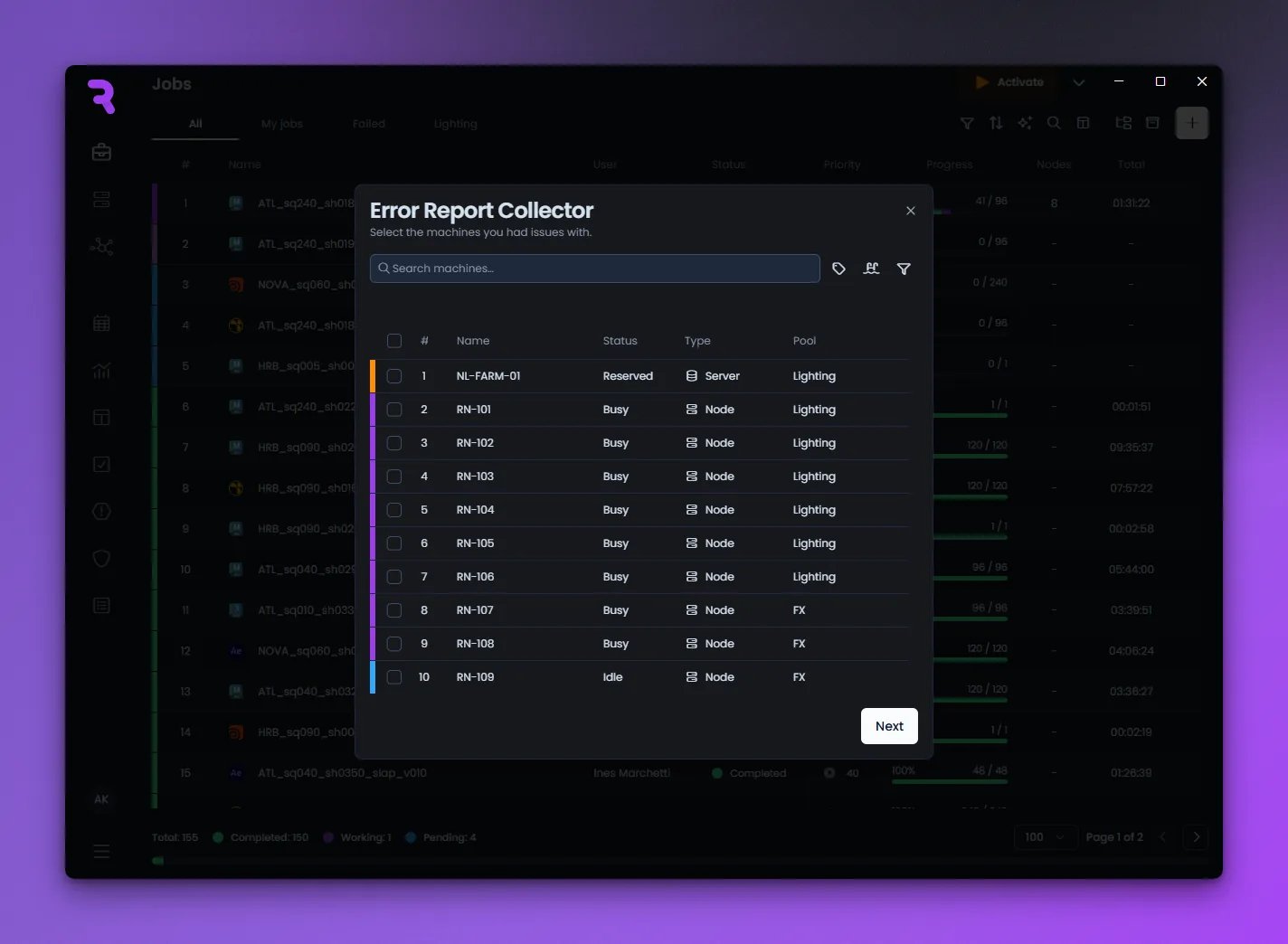
support folder and shows you its path. It holds the logs, system information and the farm’s settings, with passwords and keys removed. Nothing is sent until you send it.
2. Send it
3. Tell us
- What you did, what happened, and what you expected
- The job and its application, or the machines, it happened on
- Whether it happens every time
Support packages are used only to solve your issue and are deleted within 90 days, as the RenderFlow licence agreement (section 15) describes.