

The Cloud section
The Cloud section of Templates, between your own templates and the built-in ones, lists your cloud templates. They load when you sign in. Press Refresh cloud templates to fetch them again.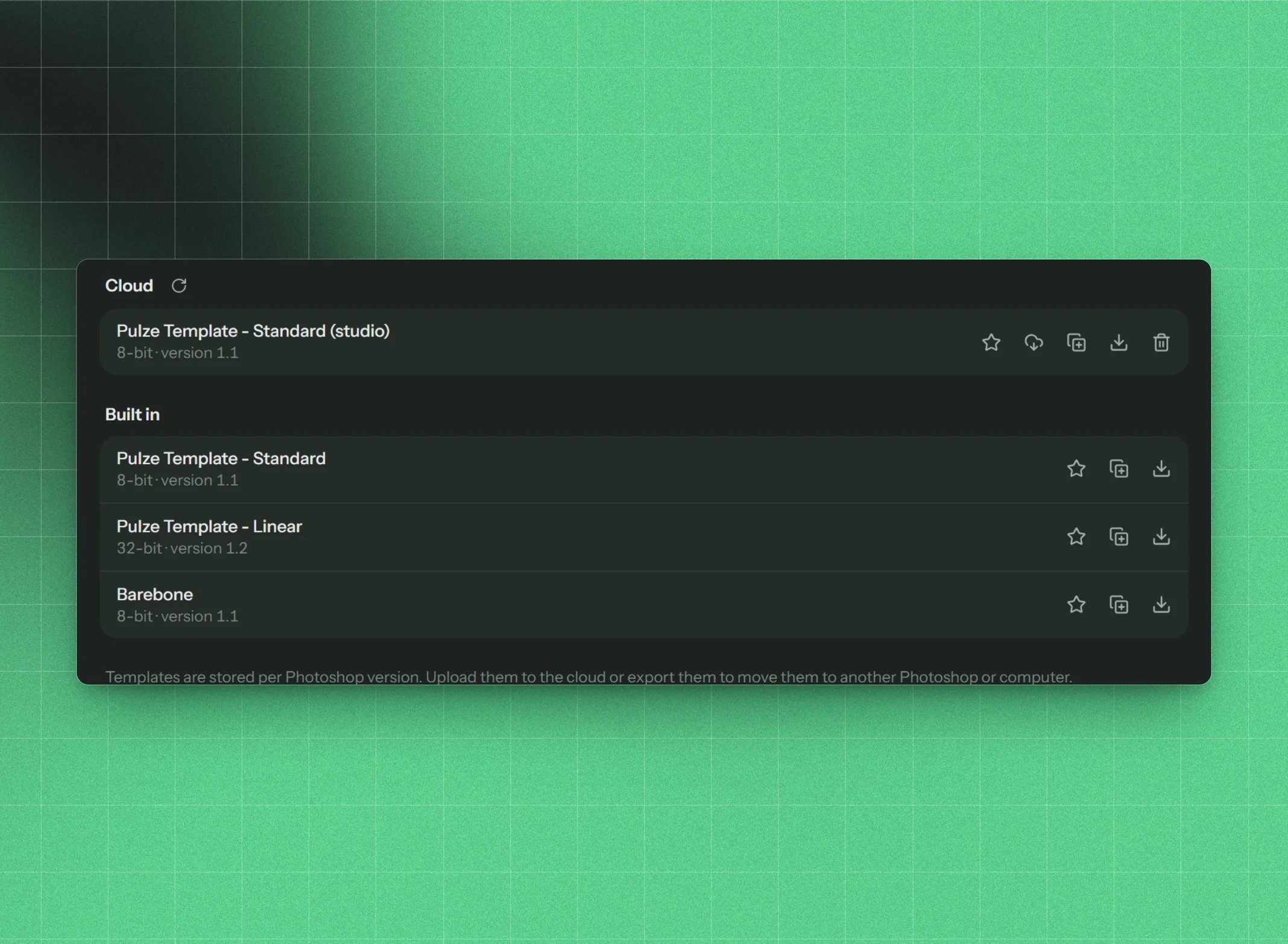
Your cloud templates on the Templates screen
Cloud templates also appear in the template list of Create new document, so you can build from them directly.
Good to know
- Cloud templates are read-only. To change one, save it to this computer, edit it, and upload it again (then delete the old one if you like).
- A cloud template and a local one can have the same name.
- Cloud templates need an internet connection. Offline, the section shows an error with Retry, and everything else in LayerWise keeps working.
- Cloud templates are stored in the Post Manager format so both apps can read them. That format can’t store every structure exactly: a group’s own layers always end up above its sub-groups. LayerWise warns you before uploading a template with that kind of structure.